Accidental Eye Contact is a camera-free subway game: move your gaze to objects and avoid looking back too soon.
Tested on 11 November 2026 (KST). This guide separates actions we checked from rules described by the game. Its commuter labels are comedy, not a measurement of your personality, mental health or real social skill.
The LOOK AWAY. branding fits a short break when you want a playful interaction. Use the window, poster, phone or floor destinations to explore its fictional timing challenge.
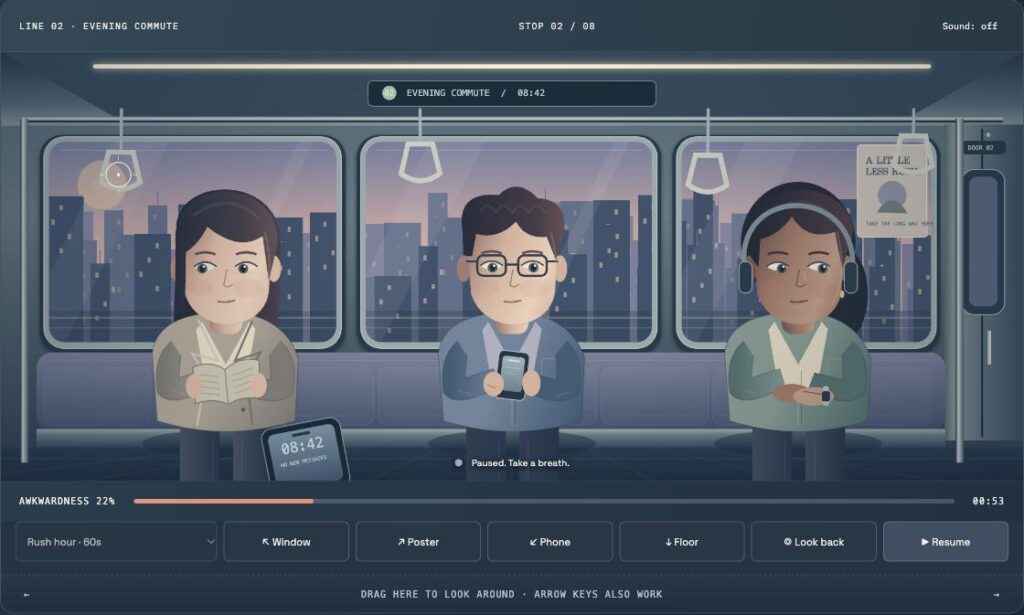
Play a camera-free subway eye-contact game with four modes, named gaze controls and humorous commuter reports. Tested controls, sharing limits and mobile layout.
- Brand
- Accidental Eye Contact — LOOK AWAY.
- Tool languages
- en, ko
- Verified date
- 2026-11-11
On this page
Key takeaways
- No camera or face tracking is needed: the game uses pointer, buttons, a separate drag pad and arrow keys.
- Four modes cover a normal eight-scene commute, a 60-second Rush hour, an unscored No pressure mode and a UTC-based Daily commute. Mode descriptions come from the source FAQ.
- A completed scored run produces a score out of 100, a humorous commuter type and counters for natural escapes and second looks.
- We verified result-link copying. The PNG button was present and clicked, but we did not confirm receipt of a downloaded file.
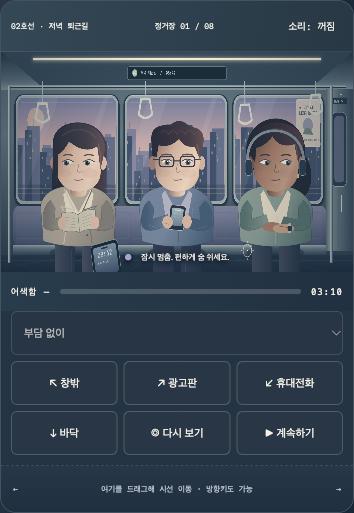
- Korean controls worked in a fresh 390 × 844 browser viewport without horizontal page overflow. This was a responsive-browser check, not a physical-phone test.
What Accidental Eye Contact actually does
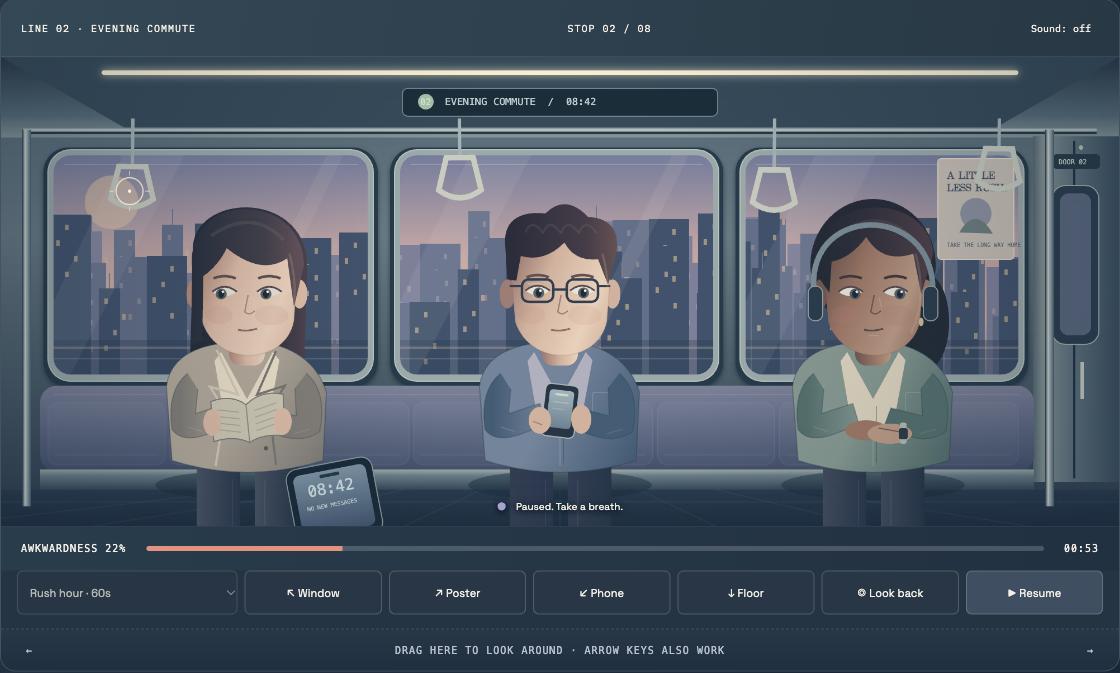
The official page title is “Accidental Eye Contact: The Awkward Subway Game”; the page heading is Accidental Eye Contact and the site brand is LOOK AWAY. The screen shows three illustrated passengers in a carriage. A pale ring represents your gaze. The scene, status line, awkwardness meter and countdown make the consequences of a glance visible.
The problem it solves is deliberately modest: it gives an everyday awkward moment a bounded, interactive form. You can spend a short break reacting to illustrated passengers without installing an app, entering a personal story or recording a video. It is entertainment built around a familiar situation. It does not promise to fix social anxiety or teach a universally correct amount of eye contact.
The strongest design choice is separating the target controls from the faces. On a narrow screen, a finger placed directly over a passenger could obscure the information needed for the next move. The dedicated pad and named object buttons offer another way to play. Those buttons also provide an understandable starting point before trying continuous movement.
Choose the right commute mode
| Mode | Source description | Useful starting purpose |
|---|---|---|
| Normal commute | Eight short scenes | Try the full scene sequence when you have a little more time. |
| Rush hour · 60s | A 60-second run | Use a fixed-duration break; compare only with another run of this mode. |
| No pressure | Removes scoring | Learn where the controls place the gaze without treating a number as the objective. |
| Daily commute | Date-based passenger pattern shared on the same UTC day | Discuss the same daily pattern with another visitor; confirm the UTC date first. |
For a first visit, choose No pressure. In our Korean test its awkwardness display became a dash, consistent with the unscored description. Rush hour is the easiest option to schedule around a minute, although the time spent opening the page, reading the report or closing an advertisement is additional. The normal-mode idle screen showed 03:12 before play; that display is not a promise that every visit takes exactly that long.
Daily refers to UTC, not necessarily your local midnight. A friend in another time zone may already be on a different calendar date locally while still sharing the same UTC day. We checked the Daily explanation in the FAQ, but did not run a multi-device comparison of its passenger pattern. Treat that distinction as a documented feature rather than an independently established synchronization guarantee.
7 useful checks before chasing a score
1. Open the correct game and language
Use eye.imporinfo.com, then choose EN or 한국어 in the header. There is another eye subdomain in the broader catalog, so the full address matters. The Korean game has translated buttons and explanations; choosing a language is more useful than trying to interpret status messages mid-run. No account entry was required for our session.
2. Identify the input area before starting
Find the four object destinations and Look back. Beneath them is a separate drag area. On desktop the source also describes mouse and arrow-key movement. Start with the object buttons if you want reproducible destinations. Use the ring in the carriage as visual feedback instead of assuming the cursor and the gaze always coincide.
3. Select a mode while idle
The selector becomes disabled during an active run in our test. Choose a mode before pressing Survive the commute. If you want to change conditions, finish or reload deliberately and choose again. Reloading is not a pause: it can end the current attempt and discard the live scene.
4. Start and watch one glance at a time
Read the status line and move toward a safe object when a passenger notices you. The source says considered movement scores better than panic, but it does not turn that advice into a visible universal millisecond rule. Learn the feedback through play. Repeatedly pressing Look back is a different experiment from practicing a single escape.
5. Verify Pause before leaving the tab
Press Pause when interrupted and check that it changes to Resume and the status says Paused. We observed 00:53, stop 02/08 and awkwardness 22% in this state. An unattended run can continue toward a poor report. Browser focus changes or an advertisement are not substitutes for an explicit pause.
6. Read the report as several measures
At the end, read the commuter type, score, natural-escape count and second-look count together. A zero score alone gives less information than the counters beside it. A label such as The Triple Look Victim describes that game run; it does not establish a stable trait about the player.
7. Check the sharing output before using it
Copy result link should place a game URL in the clipboard. Our confirmed output was the #report=0,5 result link. It used a report fragment rather than asking us to upload a photo or enter a name. We did not establish that the link replays every input or preserves the two detailed counters. If saving an image, check the browser download list and the file before calling it a successful export.
Our actual browser test
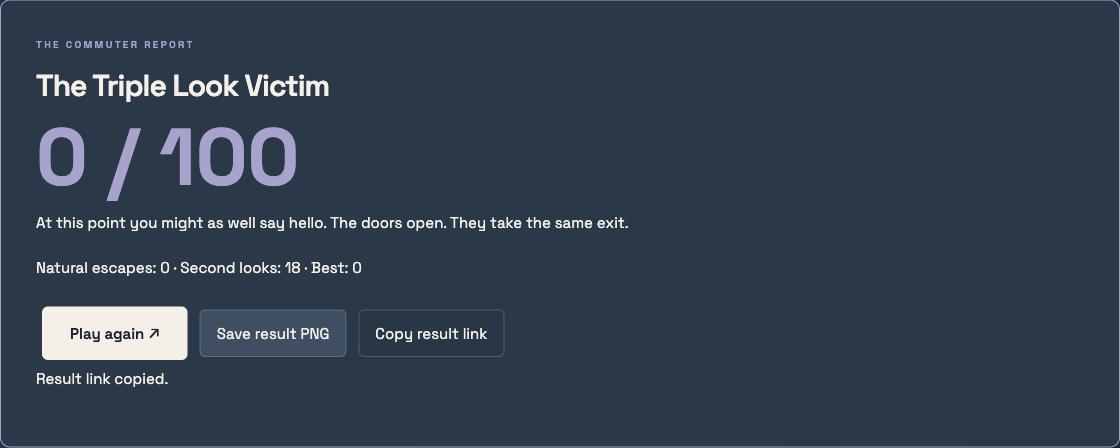
We selected Rush hour and started the game. During a low-interaction observation, it reached stop 08/08 and 00:00, then displayed The Triple Look Victim with 0/100. The report listed Natural escapes: 0, Second looks: 18 and Best: 0. This is a verified example of the end screen, not a competitive score, an estimate of a typical player or a controlled test of the scoring algorithm.
| Check | Observed result | What it establishes |
|---|---|---|
| Scored ending | 0/100; 0 natural escapes; 18 second looks | The timed run ended and populated a report. |
| Restart + object + pause | Window; stop 02/08; 22%; 00:53; Resume button | A new run accepted an object input and entered a visible paused state. |
| Copy result link | Result link copied; #report=0,5 in clipboard | The copy action produced an actual game link. |
| Save result PNG | Button clicked; no download event received | The control exists; successful file export remains unconfirmed. |
| Korean No pressure | Floor button; paused; awkwardness dash; 03:10 | Translated controls and unscored display responded in the mobile viewport. |
An advertising interstitial appeared during the visit and was dismissed through its Close control. We did not click the advertisement. That matters for practical timing: a “60-second game” still lives inside a hosted web page with third-party advertising. If a control seems unavailable, first check whether an overlay is covering the game.
A practical two-run experiment
A useful first session has two different objectives. In No pressure, learn the layout: locate Window, Phone and Floor, then use Pause and Resume once. The objective is simply to know where a deliberate input sends the ring. Keep this separate from a scored attempt; otherwise you may mistake early interface exploration for a failed strategy.
Next, select Rush hour for a fixed-length attempt. Use one input method for the whole run, such as the destination buttons. At the end, write down the mode, score, natural escapes and second looks. On a second scored run, change one behavior only: for example, avoid an immediate Look back after an escape. Comparing a button-driven run with a pointer-driven run and a new mode at once makes the outcome harder to interpret.
This is a suggested play routine, not a second experiment we claim to have completed. Its value is keeping the comparison honest. If the second run differs, report what changed and what remained uncontrolled. Ordinary scene timing, delayed input, a newly visible ad or a lapse of attention can all complicate an informal comparison. A high score does not need to become a claim about real commuters.
Controls, timing and common mistakes
Choose a control method for the situation
Named buttons are convenient when you want a known destination. The drag pad suits a narrow display because it is below the scene. Arrow keys are documented for keyboard movement. We checked the object buttons and pause directly; we did not complete an accessibility certification or test every keyboard-only path. A visual glance game still asks the player to interpret illustrated passenger cues.
Use the status line rather than frantic repetition
Rapidly cycling all five choices makes it difficult to connect a specific action with the feedback. Try one escape, observe, then decide whether to look again. The source specifically warns about the double-eye-contact trap and window reflections. That makes Window a destination to understand within the scene, not an unconditional safe button for every moment.
Keep sound and persistence claims modest
A Sound: off toggle was visible. The FAQ says the best score and sound preference remain in this browser when storage is available. We did not measure audio output or confirm cross-reload persistence with a nonzero best score. Do not assume progress travels with a shared link, survives private browsing or synchronizes between devices. The source states there is no game account or server leaderboard.
Troubleshoot the visible cause first
If you cannot change modes, check whether the current run is active. If the gaze is hard to see, use a destination button and locate the pale ring. If a button appears unresponsive, check for an ad overlay. If no PNG file arrives, verify downloads and try a normal browser save workflow only after checking the result. The screenshots in this article are our captures, not proof that the game exporter worked.
Limitations and privacy
Accidental Eye Contact is a visual comedy game with fictional timing and scoring. It does not provide eye-tracking measurements, a clinical assessment, a multiplayer session or a server leaderboard. The absence of camera permission during our test agrees with its FAQ, which says no camera access or face recognition. That observation is narrower than a complete technical audit of every script on the page.
The game says controls do not capture your face, microphone or location and local best scores are stored in the browser. However, the site is hosted on Blogger and uses Google AdSense. Those services can process cookies and usage data under their own policies. “Camera-free controls” therefore should not be rewritten as “no third-party data processing.” See the source’s Google Privacy Policy link for the hosting and advertising context.
We verified the root English page and the Korean page in a desktop browser and a responsive 390-pixel viewport. We did not test a physical touchscreen, every browser, assistive technology or offline use. A mobile screenshot shows the layout and translated controls, not a guarantee of identical performance on every phone. PNG export remains the specific output limitation from our session.
Related tools for different awkward moments
- For deciding when to speak instead of where to look, try Conversation Collision. Its five-round response choices make a useful next step from visual timing to conversational timing.
- For the awkward moment after a conversation ends, read Awkward Goodbye. Compare the games as comic interfaces for different moments, not as social-skill tests.
- For interpreting written laughter and drafting a reply, use the Laugh Translator guide. That is a text-context activity, so it suits a break when reacting to moving faces is less convenient.
Frequently asked questions
Does Accidental Eye Contact track my real eyes?
No. The source describes pointer and keyboard controls, and our session required no camera permission. The ring is controlled within the game. Do not confuse the illustrated gaze with a measurement taken from your face.
Can I use it in Korean?
Yes. The header’s 한국어 link opens the Korean page. We used 부담 없이, 바닥 and 일시정지 there. The browser viewport was 390 pixels wide; the page width was also 390 pixels.
Is a low score evidence that I am bad at eye contact?
No. Scores and commuter types are humorous game outputs. Our low-interaction 0/100 result is an interface test example, not a finding about real social behavior. The source explicitly rejects a personality-test interpretation.
What should I compare between attempts?
Keep the mode and input method consistent, then compare score and both counters. Daily patterns use the UTC day according to the FAQ. A different mode or date is a change in conditions, so label it rather than treating every score as equivalent.
Can I save or share the result?
We confirmed Copy result link and its report fragment. Save result PNG is available on the scored report, but a completed file download was not confirmed in this review. Check the actual output before promising an image to someone else.
Is it suitable for a quiet break?
The initial sound control was off and the game can be paused. We did not verify audio playback. Advertising can still interrupt the page, so leave enough time to close overlays and reach the controls before starting a timed run.
Start a commute
Start with No pressure if you want to learn the controls, or choose Rush hour for the documented 60-second format. Let the report be a joke about one fictional commute. The useful takeaway is knowing how the interface responds, which mode fits your break and what the output can actually tell you.
A RELEVANT NEXT STEP
Tools with a useful connection
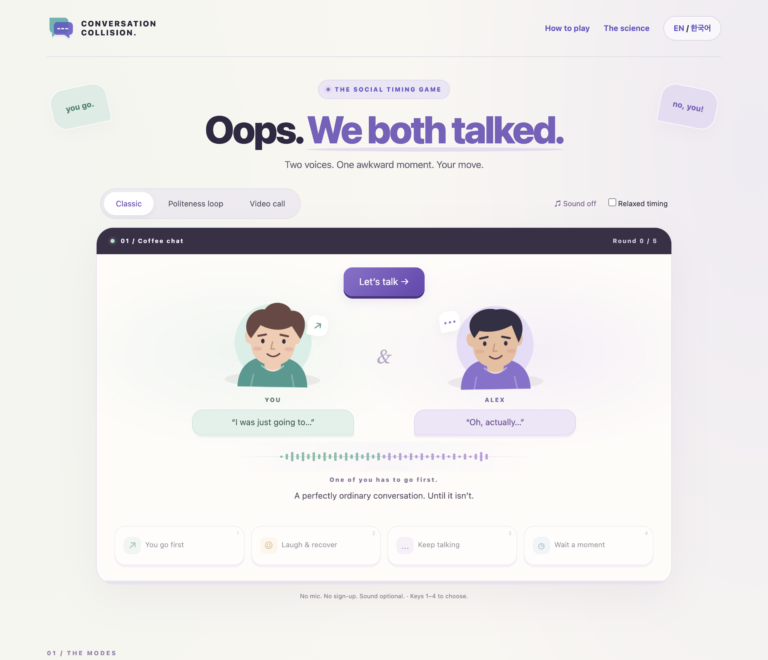
Conversation Collision
Conversation Collision: A Conversation Timing Game in 5 Steps
Explore overlapping speech through a five-round conversation timing game. Compare four responses, three modes and our matched English/Korean tests without treating scores as a personality assessment.
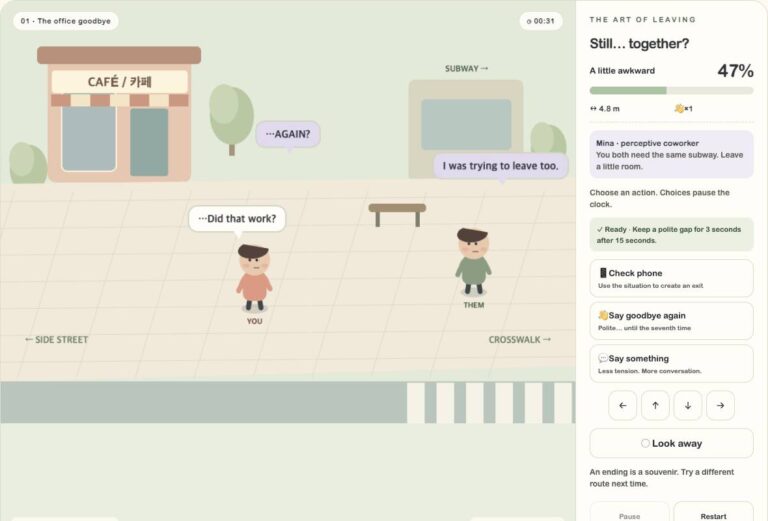
Awkward Goodbye
Awkward Goodbye: 7 Essential Exit Checks
Play Awkward Goodbye with routes, context actions and paused dialogue choices. Our completed 32-second office escape explains peak awkwardness, stage stamps, ending collection, the POV mirror and export limits.
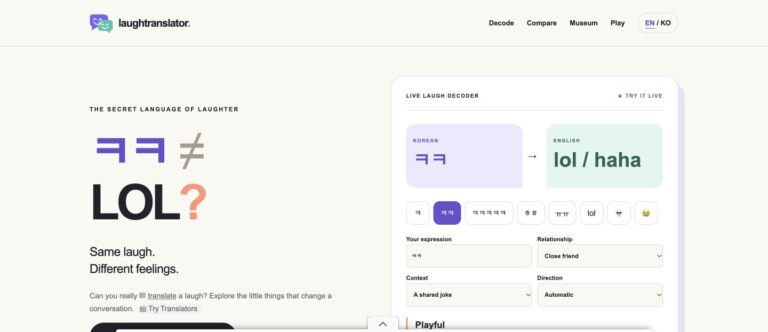
Laugh Translator
Laugh Translator: 7 Essential Checks for Better Replies
Compare Korean and English laugh cues with Laugh Translator. Explore 72 specimens, context notes and fictional reply practice, with hands-on tests and clear limits on translation and emotion interpretation.