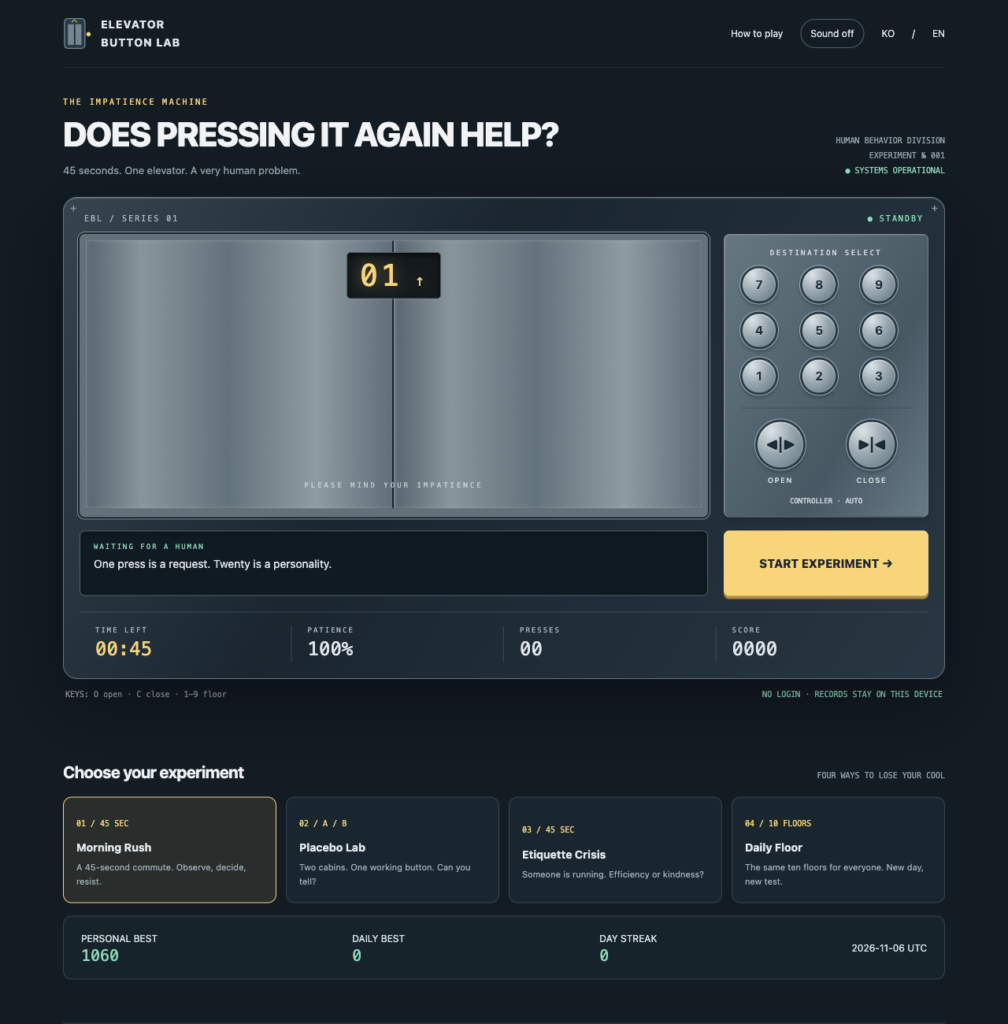
Explore Elevator Button Lab through four modes, actual repeat-input and boarding tests, a fictional A/B comparison and real PNG output. Learn what the feedback means and where it stops.
- Brand
- Elevator Button Lab
- Tool languages
- en, ko
- Verified date
- 2026-11-06
You have already pressed the floor button. The lift has not arrived. Your finger is considering a second application. Elevator Button Lab turns that familiar urge into an elevator button game about repeated inputs, waiting, door controls and the difference between doing something and changing something.
Play Elevator Button Lab on the separate original site → Start without an account or file upload. This guide explains the four modes, documents what we actually tested, and shows why a fictional personality report is not evidence about real elevators or your character.
On this page
Key takeaways
- Morning Rush and Etiquette Crisis are presented as 45-second activities. Daily Floor has a separate ten-floor goal; its fresh start showed 01:05 in our test.
- Repeatedly choosing the same floor increased the press count and reduced patience in our run. It did not establish a shortcut for making the lift travel faster.
- Placebo Lab compares two fictional cabins. The help describes one responsive Close button and one placebo, with randomized order. Compare actual timers rather than choosing the most convincing animation.
- We completed Morning Rush, reached the A/B answer reveal, tested a Korean Open action and pause, and downloaded a real result PNG. We did not complete Daily Floor or a controlled two-cabin timing comparison.
- The score, kindness and impatience percentages describe the game run. They are not psychological tests, real safety guidance or a global leaderboard.
What this elevator button game does
The main interface resembles an elevator control panel: floor buttons 1–9, Open and Close, a controller indicator, a moving floor display and a status message. A run also exposes time left, patience, press count and score. It gives you a compact feedback loop: make a choice, read the response, and decide whether another input is useful.
The interesting question is not simply whether you can press quickly. It is whether the interface gives evidence that pressing helped. A registered request, a shorter wait and a faster journey are different outcomes. A button can acknowledge you without changing the event you care about. This distinction makes the elevator button game a useful conversation starter about feedback and perceived control.
Use it for a short browser break, an informal discussion of interface design, or a comparison of waiting strategies inside a fictional model. Do not use it to inspect a building’s lift, diagnose impatience, or establish how a real door controller works. No physical elevator is connected to this page, and its experiments are invented for play.
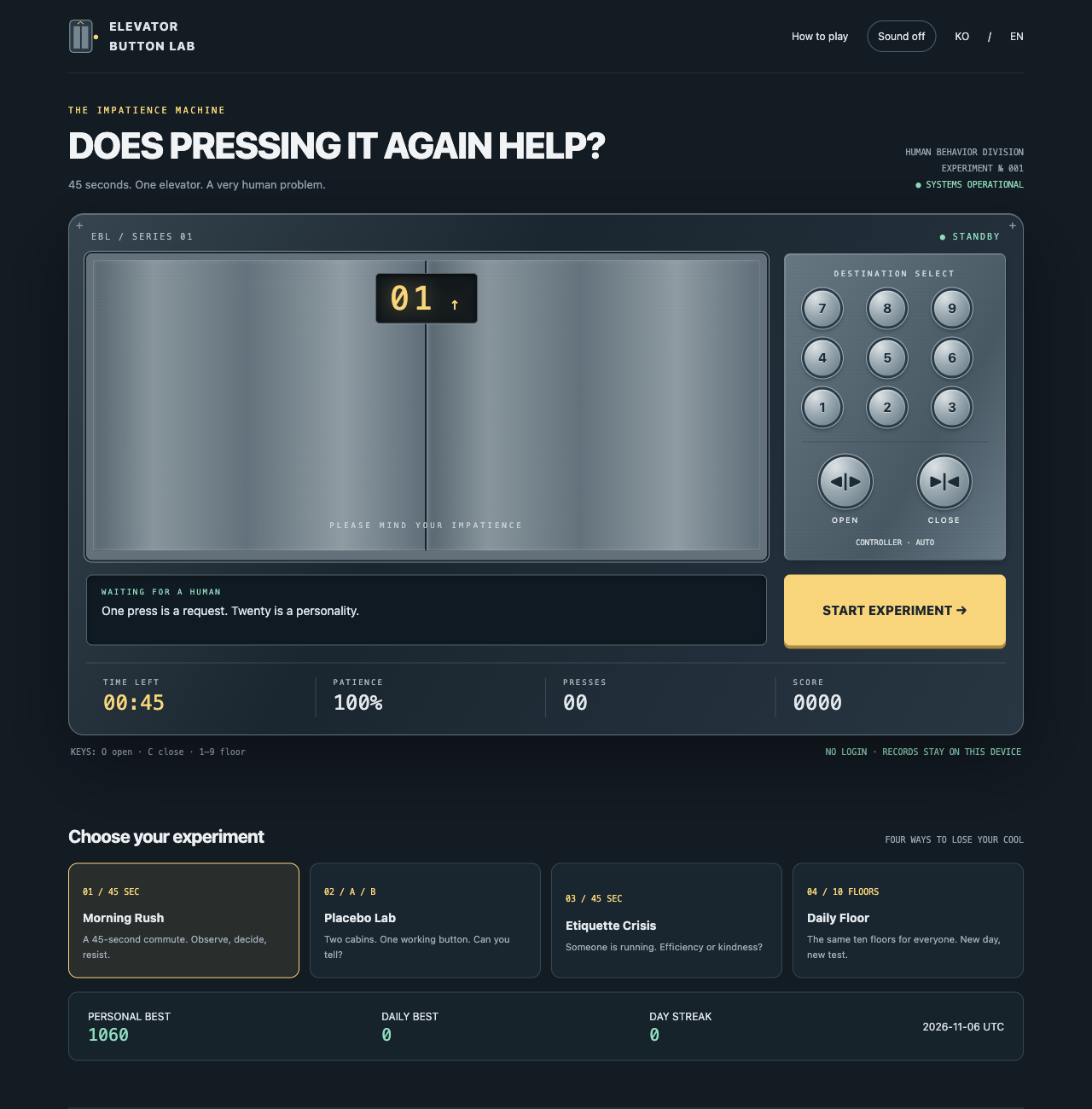
Four modes in the elevator button game
| Mode | What it asks you to notice | Our verification |
|---|---|---|
| Morning Rush | A 45-second ride with floor requests, repeated-input feedback and waiting decisions | Completed a run after choosing Floor 9 twice. |
| Placebo Lab | Two 6-second trials and a choice of the responsive cabin | Reached both timing summaries, selected B, saw the answer reveal and saved the PNG. This was not a controlled effect-size test. |
| Etiquette Crisis | A 45-second scenario with opportunities to help someone board | Korean Open action produced+80 feedback; pause worked. We did not complete a full etiquette run. |
| Daily Floor | A shared daily sequence of ten floors | Selected, started and paused the Korean mode at 01:05; completion and streak rollover were not tested. |
A mode selection is not the same as a fresh experiment. During our inspection, selecting a mode changed the message and selected card while some previous counters or controller text remained visible. Starting the new run reset the counters. Read the selected mode and the new start state together instead of treating a leftover number as a completed result for the new mode.
The daily mode also explains why the large 45-second introduction should not be read as the duration of every activity. Placebo trials have their own timing, and Daily Floor started with a 65-second display. Let the active mode’s timer guide you. We did not test whether a daily run always lasts the full displayed period or finishes earlier at its goal.
How to play the elevator button game
- Choose the language and mode. EN and KO links are in the header. Begin with Morning Rush if you want to learn the floor and door controls before attempting an A/B judgment.
- Start a fresh experiment. Confirm the status is no longer standby and the counters belong to this run. Mode selection alone may leave prior readouts visible.
- Request a floor once. Watch the response before adding another input. The instructions say floor requests queue stops; repeating them does not increase travel speed.
- Read the controller during boarding. The help describes ACTIVE as a responsive Close opportunity and AUTO as a placebo. In Placebo Lab, the indicator is a blind test rather than an answer key.
- Use Open for the game’s boarding opportunities. Our Korean etiquette test returned a+80 message after an Open action. This is a game rule, not permission to interfere with a real door.
- Pause when you need to read. The main start control changes into Pause Experiment while running, then Resume Experiment when paused. A reading break is preferable to losing track of the mode.
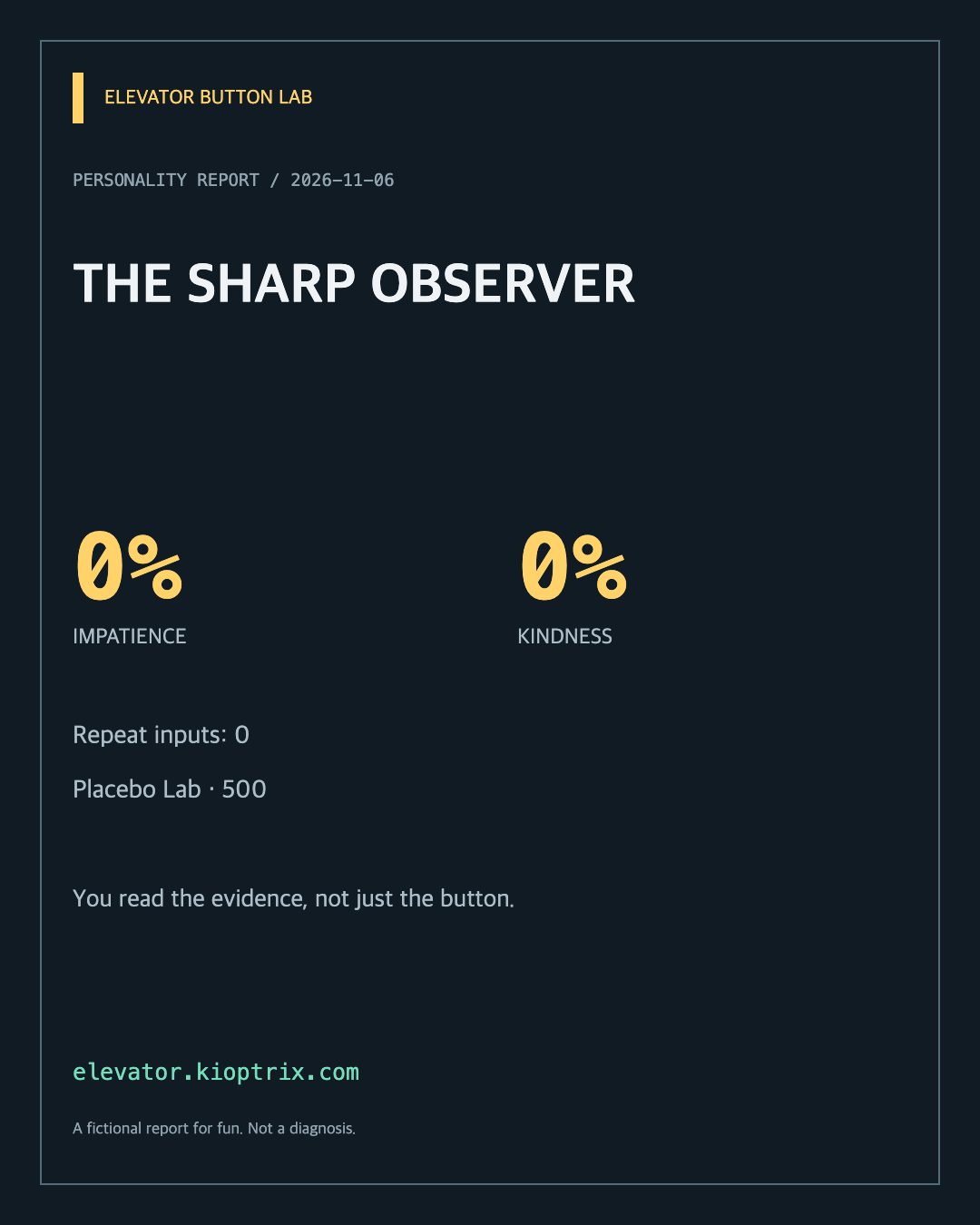
- Read the report and save it if useful. At completion, a result dialog shows a fictional type and metrics. Save PNG produced a real downloadable image in our test.
The interface lists O for Open, C for Close and 1–9 for floors. We exercised visible controls through keyboard activation, including starting, floor selection, Open, Close and pause. We did not separately validate every letter shortcut, sound playback or all input devices. If a control seems unresponsive, first check whether a result dialog or an advertisement is covering the game.
Treat the small experiment log as context rather than a second score. It can retain the last event while the lift moves. A boarding message still visible at the end is not proof that someone is currently waiting after the experiment has already completed. The active status and remaining time tell you which phase you are reading.
Our actual tests and their limits
We checked the original tool on 6 November 2026, Korea Standard Time. The following are observations from browser interaction, not laboratory measurements of human behavior. No real passenger, building or elevator participated. Pauses and interface inspection were part of the check.
| Test | Actual observation | What it means |
|---|---|---|
| Morning Rush: Floor 9 twice | 2 presses and 94% patience; final score 1055. Report: The Balanced Commuter,8% impatience,0% kindness,1 repeat input | Repeated input and the report were recorded. This does not isolate every contribution to the score. |
| An incidental no-input retry | The Zen Passenger,1060,0% impatience and 0 repeat inputs | The game can finish without constant input. Different passenger sequences make this an uncontrolled comparison. |
| Placebo Lab: Close in trial A, then pause | A 5.9 s,1 press. We did not press during B. Final observed times:A 6.0 s/B 6.0 s | Both time summaries were available, but our incomplete intervention did not measure the responsive button’s reduction. |
| Select B after the A/B trials | Reveal named B as responsive; score 500; The Sharp Observer report | Selection and answer reveal worked. The flattering label does not make our guess an evidence-based discovery. |
| Korean etiquette Open and pause | Open returned+80. Later pause showed 00:36 and score 200 | Open feedback and pause worked. The later total also includes progress, so 200 is not the Open bonus. |
| Daily Floor fresh start | 01:05,0 presses,0 score before progress | The daily mode has a separate start state; we did not verify its full completion. |
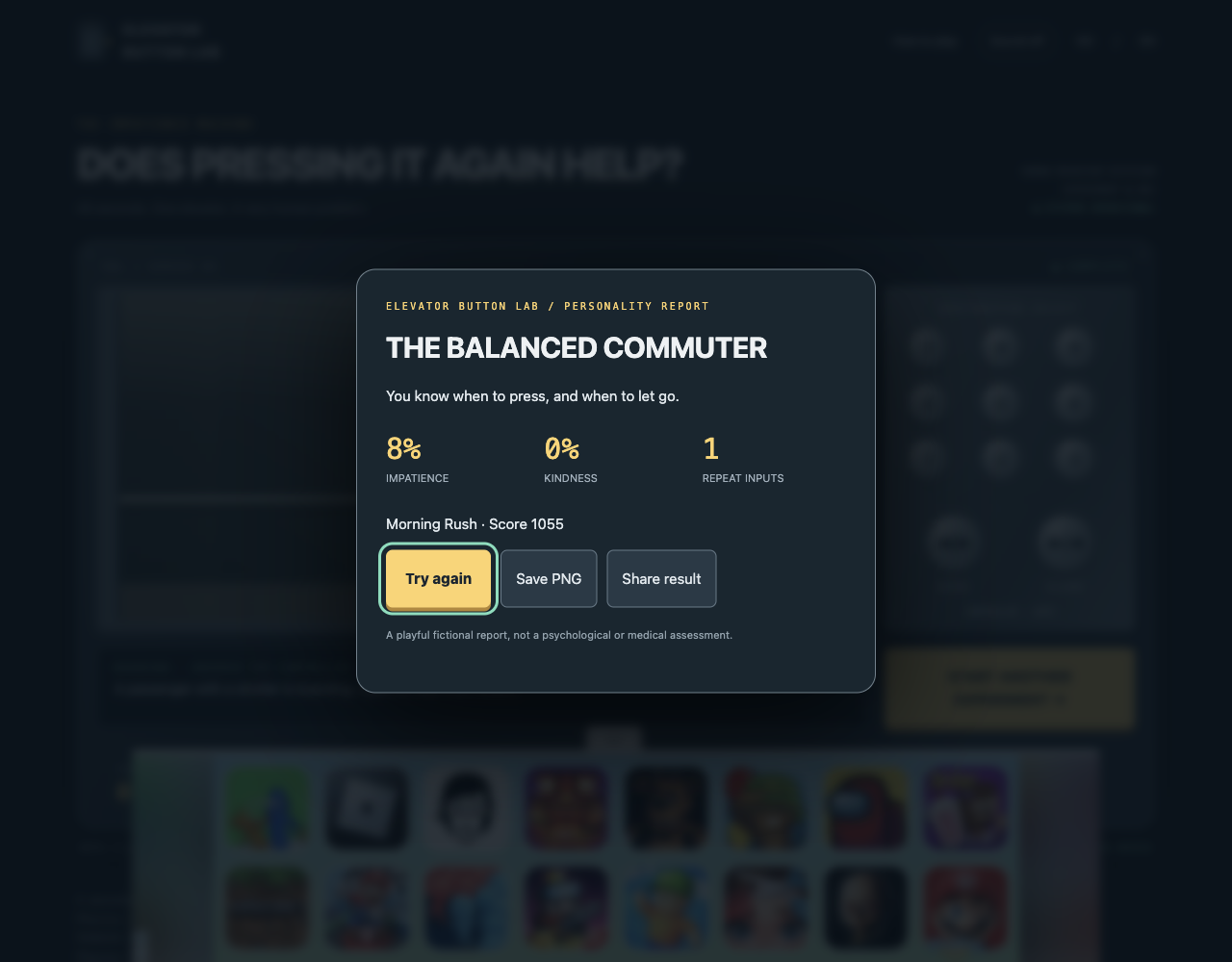
Two details deserve more attention than the headline score. First, the game distinguishes total presses from repeat inputs: two presses produced one repeated input in our run. Second, a later score of 200 after pausing does not mean the Open action itself earned 200; its immediate message said+80. Reading the sequence prevents a plausible but wrong explanation of the numbers.
A better way to run the A/B comparison
For a meaningful Placebo Lab comparison, prepare before pressing Start. The instructions describe two six-second trials. Close is supposed to remove 1.5 seconds once in the responsive cabin and do nothing in the other. The assignment is randomized. That is the stated rule; our first attempt did not directly measure the 1.5-second reduction.
A stronger procedure is to activate Close once at a comparable early point in each cabin, note the actual countdown and final elapsed summary, and only then choose A or B. Do not press only in one cabin and assume an unchanged timer identifies the other. Avoid repeated tapping, because it adds another variable and the help says the effect applies once.
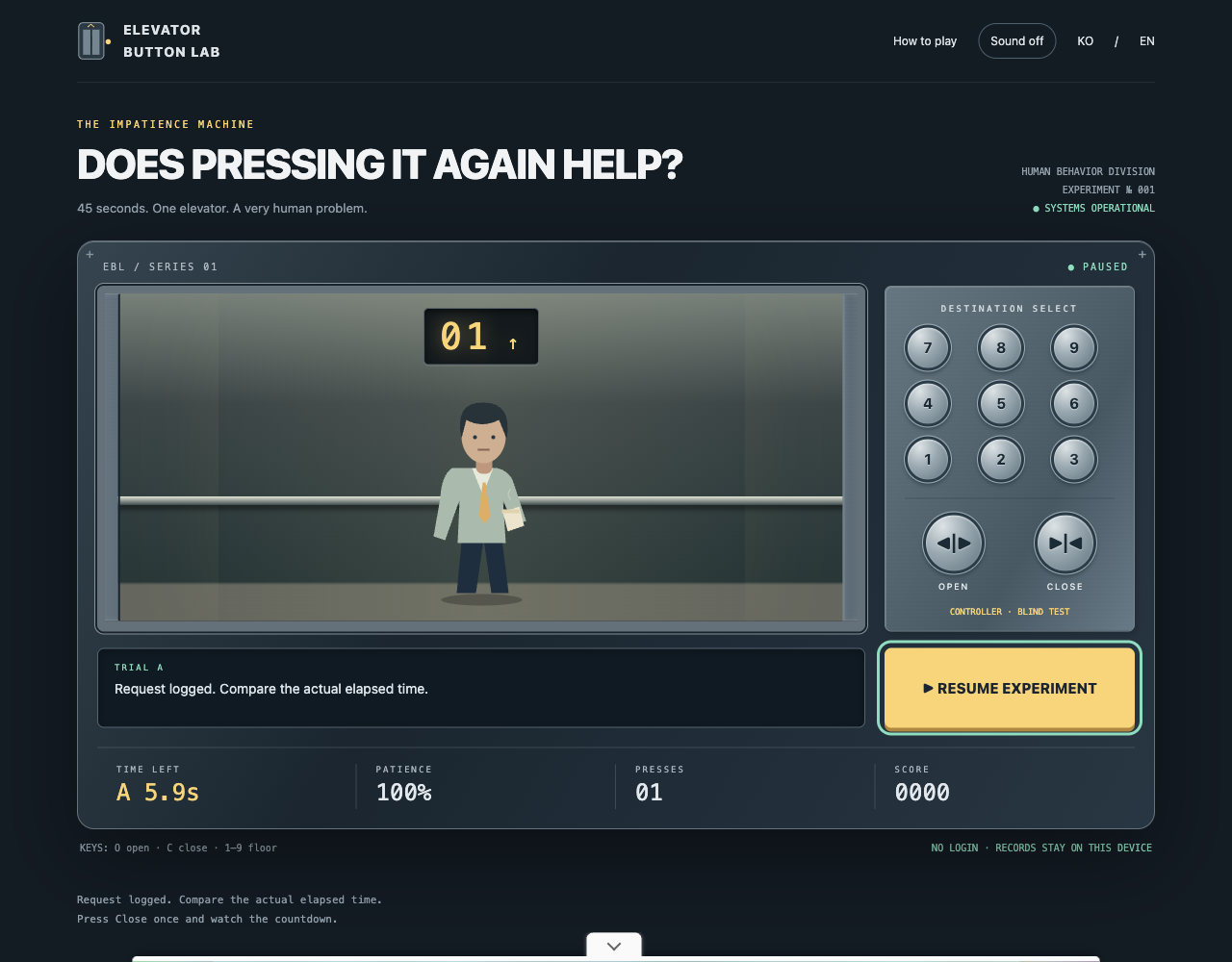
Our incomplete attempt is useful precisely because the game still awarded 500 after we selected the correct cabin. Both observed times were 6.0 seconds because we had not intervened in B. The answer reveal named B, but the evidence available in our own run was not sufficient for a clean causal comparison. Getting the answer right and performing a good experiment are different achievements.
If you try the comparison with another person, agree on the input rule beforehand. Each person can describe what changed on the display, not just which cabin felt faster. Keep the exercise inside the browser. Nothing about these deliberately invented placebo trials establishes whether a particular real-world Close button works.
Reading your elevator button game report
The report uses labels such as The Balanced Commuter, The Zen Passenger and The Sharp Observer. The help says impatience reflects repeated or fast inputs, kindness reflects assisted boarding opportunities, and score rewards completed floors, helpful choices and restraint. These descriptions explain the game’s feedback, not a validated personality model.
A 0% kindness result should therefore be read cautiously. It describes this run under the game’s rules; it is not a conclusion that the player lacks kindness. Likewise, a correct A/B guess can earn an observant-sounding label even when the comparison was incomplete. Ask which action the number summarizes before interpreting the label.
We activated Save PNG after the A/B report and opened the downloaded 1080×1350 image. It contained the date, fictional type, impatience and kindness percentages, repeat count, mode, score and original domain. It was an actual generated output, not a recreated mockup. We did not complete Share Result or verify how another app receives it.
Mobile, language and accessibility
At 390 px wide, the Korean interface fitted the viewport without horizontal overflow. We started Etiquette Crisis, used Open and paused. We also started and paused Daily Floor. This was a mobile-sized browser check, not a physical-phone performance benchmark or a complete assistive-technology audit.
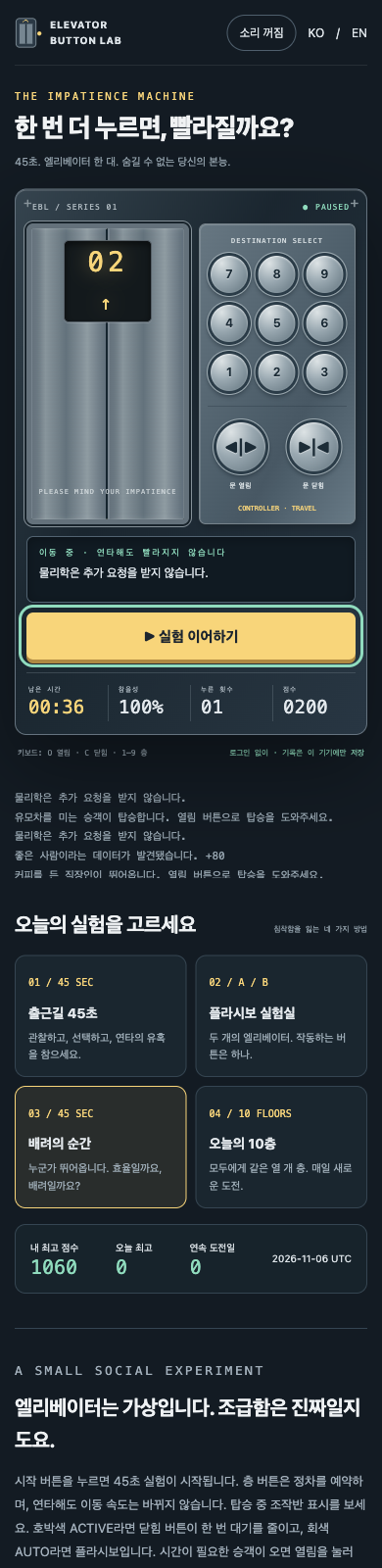
Main buttons, instructions and feedback are localized into Korean, but labels such as PAUSED, CONTROLLER and other decorative copy remain English in the original. Sound began off. Keyboard-operated visible controls worked in the checks described above; a visitor still needs to follow changing visual status and short timers. We did not verify screen-reader play, sound quality or reduced-motion behavior.
During testing, a full-screen Google advertisement and the native result dialog overlapped and blocked normal clicks. We recovered by closing the result dialog with Escape, then closing the advertisement. On a device without a convenient Escape key, reloading may be the practical fallback, but it abandons the current unsaved run. This is a limitation of the original experience, not an invitation to click the ad or change its settings.
Records, advertising and privacy
The original Privacy section says the game needs no account or personal details and stores best scores, daily records and sound preference in the browser. The English personal best remained visible after navigating to Korean in our session. We did not establish account synchronization, cross-device transfer or a recovery service. Clearing site data can remove local records.
The same notice says PNG generation stays on the device and that Google/Blogger and existing AdSense services may process cookies and usage information. We observed advertising. We did not audit every network request, so the whole page should not be described as tracking-free, offline or a no-data-collection service. See Google’s privacy policy for its own services.
Daily Floor uses a UTC date seed according to the help, with local bests and streaks rather than a worldwide leaderboard. UTC midnight corresponds to 9 a.m. in South Korea. We verified the displayed date and a daily start, not the exact rollover or streak algorithm. The common verification date and this article’s check both refer to 6 November 2026 for this review.
Related tools and next steps
For another game about the timing of a small courtesy, read our Door Holding Distance guide. It focuses on holding, releasing and handing over a door, whereas this tool adds repeated-input feedback and an explicit fictional A/B task. The connection is a shared decision problem, not a claim that either game measures real social ability.
This library and the tools it introduces are made by the same creator. This is an editorial explanation of that work, not an independent third-party endorsement. Read Editorial Standards for our approach to evidence, How It Works for the library, or browse the Tool Library for a different purpose.
Elevator button game FAQ
Does pressing repeatedly make the elevator faster?
The game’s instructions say it does not. Our repeated Floor 9 input raised the press count and reduced patience. We did not instrument car velocity, and this game is not evidence about a real building’s controller.
Does Close always work?
No such rule applies across its modes. The help distinguishes ACTIVE, AUTO and the blind A/B test. The responsive trial’s stated one-time 1.5-second change belongs to this fictional model, not real equipment.
Why do the counters look old after choosing another mode?
We saw some prior readouts remain until a new experiment started. Confirm the fresh start before recording results. Do not attribute a previous score to the newly selected card.
Is every mode 45 seconds?
No. The ordinary commute and etiquette modes are presented that way, Placebo Lab uses two short trials, and our fresh Daily Floor start showed 01:05. Read the active mode’s timer.
Can I save a result?
Yes, Save PNG produced an image we downloaded and opened. Share Result was visible but its completed handoff was not tested. A saved card contains fictional results, not a diagnostic certificate.
Can I compare scores with another device?
You can discuss saved cards, but the help describes device-local bests and streaks, not a global leaderboard. Different modes, opportunities and inputs can make raw score comparisons misleading.
Open the elevator button game → Choose one mode, make one deliberate input, and read what actually changed before pressing again.
A RELEVANT NEXT STEP
Tools with a useful connection
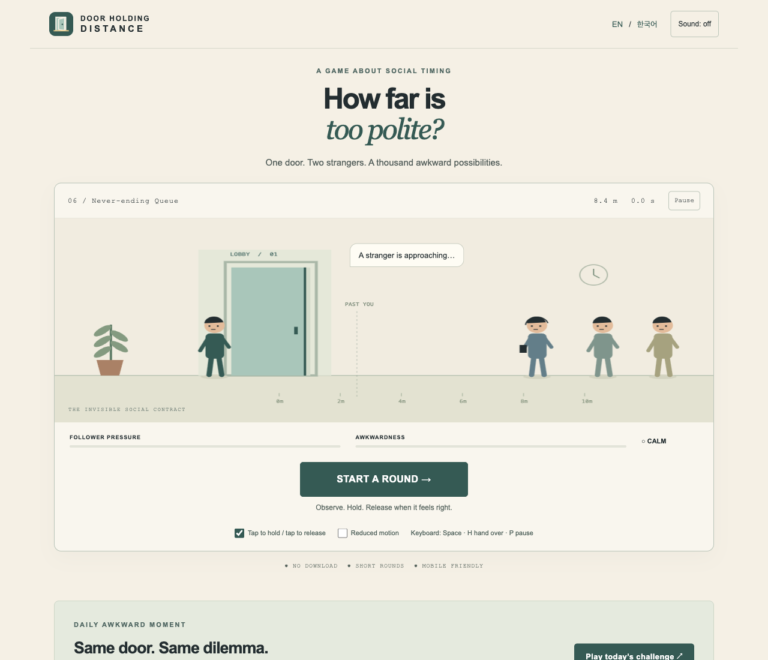
Door Holding Distance
Door Holding Game: 8 Fun Scenarios, Better Timing
Play with everyday courtesy in Door Holding Distance: eight scenarios, tap-to-hold controls and playful feedback. Read our real handover test, controls and limits.
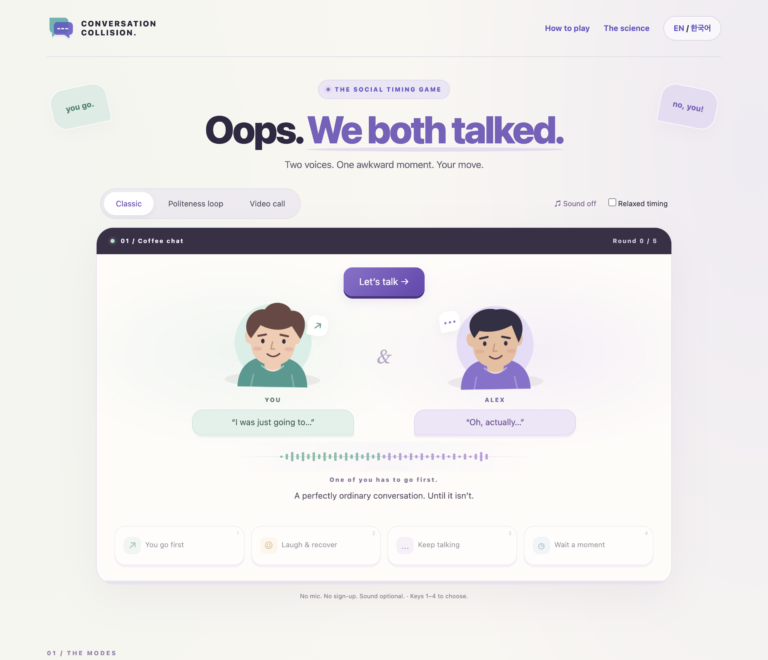
Conversation Collision
Conversation Collision: A Conversation Timing Game in 5 Steps
Explore overlapping speech through a five-round conversation timing game. Compare four responses, three modes and our matched English/Korean tests without treating scores as a personality assessment.
Group Photo Chaos
Group Photo Game: 5 Fun Ways to Master the Timing
Catch the shared ready moment in an animated group portrait. A tested guide to timing, shutter delay, replay and reading the score.