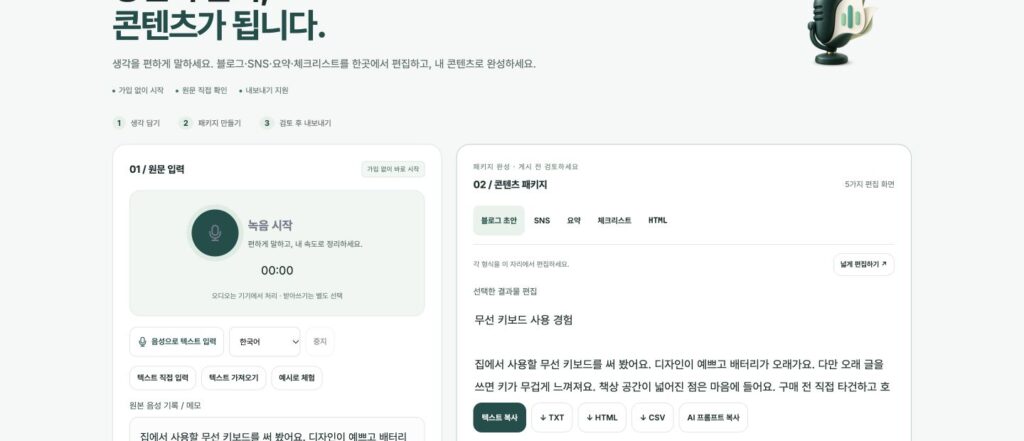
Use VoiceCraft Studio as a content package generator for editable blog, social, summary, checklist and HTML drafts. See actual text tests and SourceGuard’s limits.
- Brand
- VoiceCraft Studio
- Tool languages
- en, ko
- Verified date
- 2026-11-05
A content package generator is useful when you already know what you want to say but need several editable starting points. VoiceCraft Studio takes one set of notes and arranges it into a blog draft, social excerpt, short extract, checklist and HTML view. The version tested here is a free template tool: it does not connect an AI rewriting or automatic translation server.
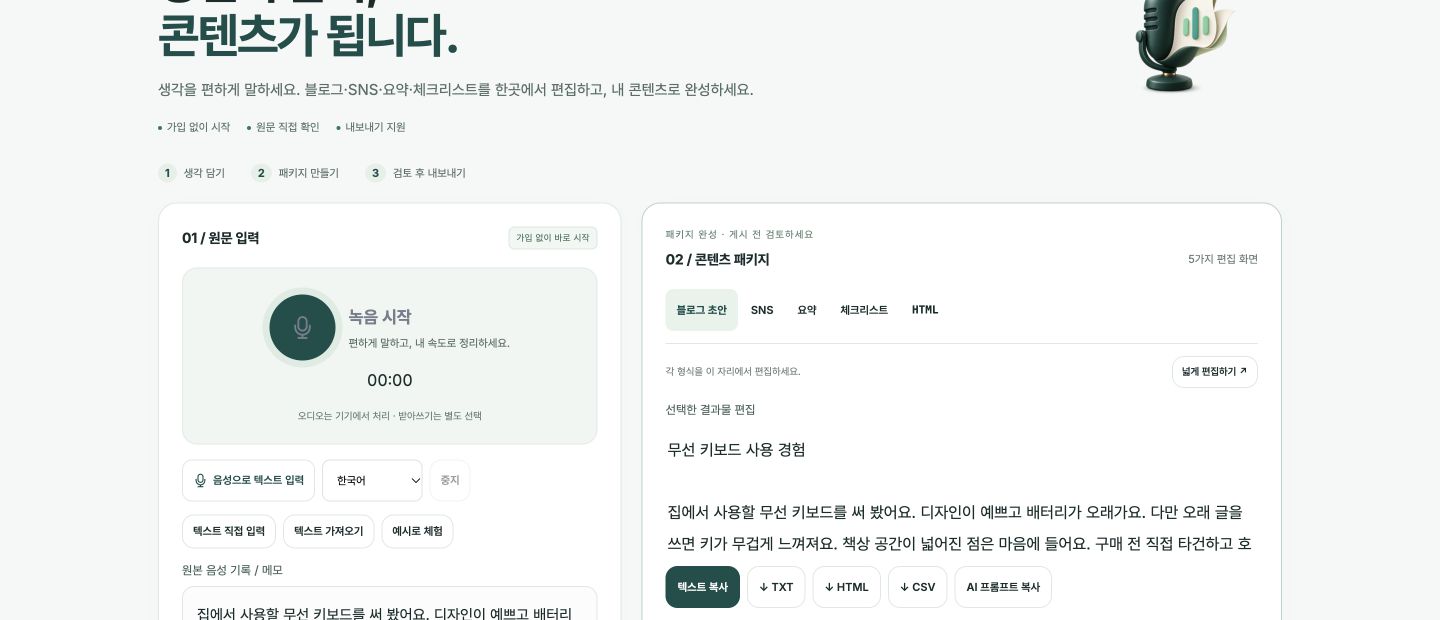
Think of it as a preparation desk between rough notes and publishing. It helps you see several versions together, while you remain responsible for the claims, wording, audience and final decision to publish. You can start with typed text; a microphone is optional.
Key takeaways
- Four content formats, five views: Blog draft, Social, Summary and Checklist, plus an HTML view. These are editable arrangements of your source, not five independently researched articles.
- Recording and dictation are different: the recording control does not automatically create a transcript. Browser speech recognition is a separate option.
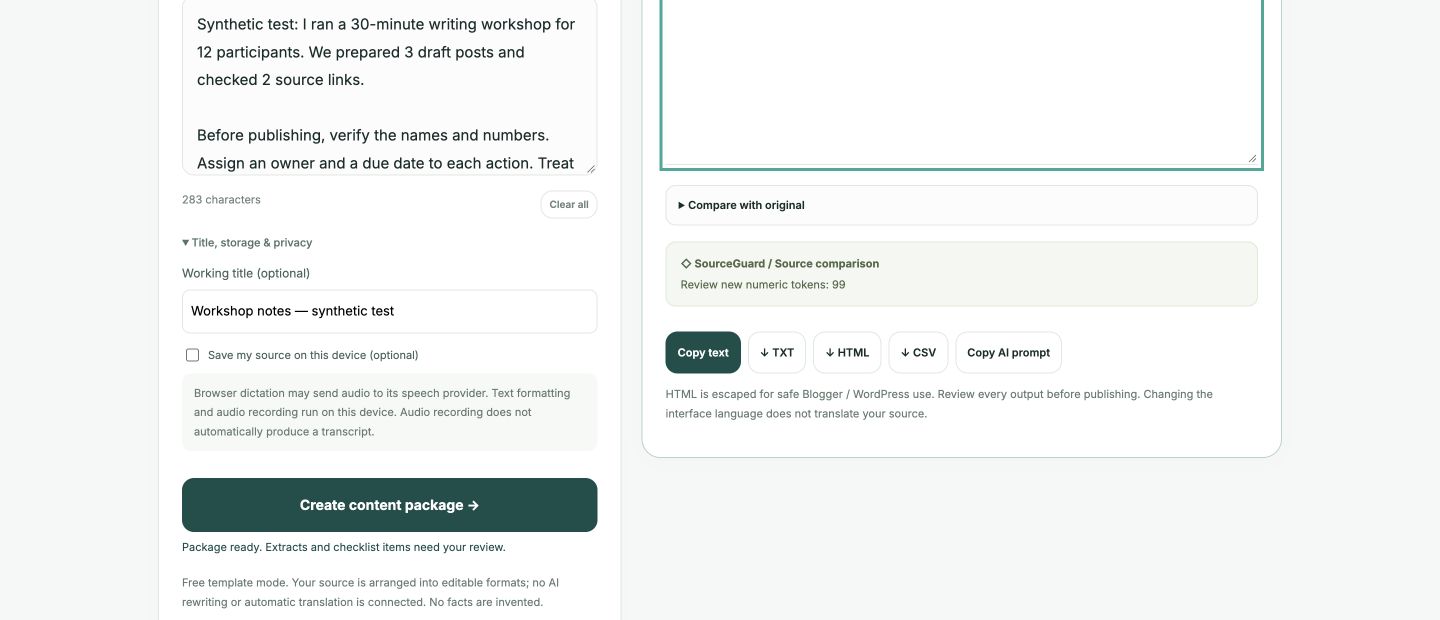
- SourceGuard checks numeric tokens: it flagged a newly added 99 in our synthetic test, but did not challenge an unsupported assertion that reused 12 from the source.
- Review before leaving: optional source storage starts off, and changing the interface language does not translate your writing. Export or copy important edits before navigating away.
Table of Contents
1. When this content package generator earns its place
Imagine finishing a short workshop. Your notes contain an observation, two decisions and a list of tasks. Rewriting everything in four places creates avoidable inconsistency. A content package generator gives you one source to inspect, then separate surfaces for different editorial jobs. That is the useful problem here: organizing material you already possess.
A good fit is a creator turning an experience into a post, a solo operator separating a meeting recap from an action list, or a learner making a short review extract. A poor fit is an interview that requires verified verbatim transcription, an automatic Korean-to-English publishing pipeline, or a request to research missing facts. The content package generator cannot supply the missing evidence just because the output has a polished frame.
| Your starting point | Useful next step | What you still supply |
|---|---|---|
| Rough first-hand notes | Create a blog draft, then edit the opening | Evidence, structure and audience context |
| A long update for a team | Inspect the short extract and checklist | Owners, deadlines and decisions |
| An idea to publish in two languages | Prepare each language separately | A real translation and separate review |
| Sensitive or confidential material | Use an approved workflow first | Permission and a processing assessment |
2. Prepare a source worth reusing
Before opening the content package generator, decide what the reader should be able to do afterward. Then write a source that distinguishes observations from recommendations. “The keys felt heavy after a long session” is an experience; “this keyboard prevents fatigue” is a different, unsupported claim. A format change should not quietly turn one into the other.
- Use short paragraphs for the situation, what happened, and the next action.
- Keep names, quantities and units consistent. Write 30 minutes rather than switching between a session length and an unexplained 30.
- Mark uncertain statements for follow-up. Do not treat a note’s confident tone as verification.
- Remove personal or confidential information that the workflow does not need.
- Choose the source language before using speech recognition, and keep a separate copy of valuable material.
For our synthetic test, we supplied a 283-character English source about a 30-minute writing workshop, 12 participants, 3 draft posts and 2 source links. The second paragraph asked for name and number checks, action owners and due dates, and contained literal <b>draft</b> text. This was invented test input, not a real workshop or measured productivity result.
3. How to use the content package generator
Step 1 — choose an interface and input route
Open the English or Korean interface. Type or paste notes into Original transcript / notes, or use Try an example to learn the controls without supplying personal material. The interface has recording, dictation and text import controls, but our functional tests used text input and the built-in examples.
Step 2 — set a working title
Open Title, storage & privacy and add a specific title. Leave optional source storage off on a shared device. The title gives the draft context; it does not verify the material underneath it.
Step 3 — create the package
Select Create content package. In our test, the blog draft contained the working title followed by the original paragraphs. It did not invent a new argument or silently add supporting evidence. Read the result before treating it as ready to publish.
Step 4 — edit each tab for its own reader
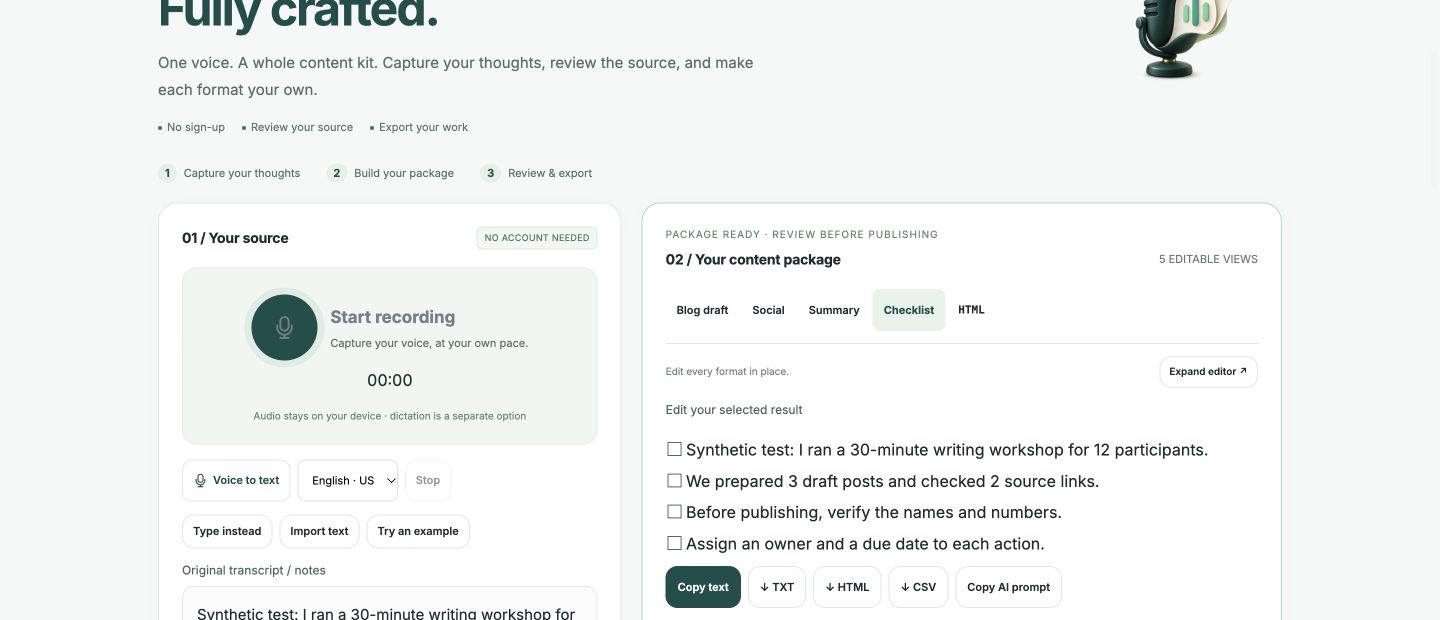
Use Blog draft for a full starting text, Social for a short excerpt, Summary for a short extract, Checklist for candidate actions and HTML for markup. We changed the blog draft and confirmed that the Social text stayed unchanged; returning to Blog draft retained its edit.
Step 5 — compare with the original
Use the source comparison alongside the original notes. Check facts in both directions: added claims and important omissions. A lack of new numeric tokens is not a clean bill of factual health.
4. What our actual tests showed
| Test on 5 Nov 2026 | Observed result | Practical meaning |
|---|---|---|
| Generate from the English synthetic source | The blog retained the title and source paragraphs | Expect a draft frame, not AI rewriting |
| Inspect Social and Summary | Social ended with an ellipsis; Summary kept an initial extract | Check whether a caveat or qualification was left out |
| Inspect Checklist | Sentences became checkable lines, including descriptive statements | A checklist item is not automatically an actionable task |
| Edit Blog; visit Social; return | Social stayed unchanged and the blog edit remained | Review every format independently |
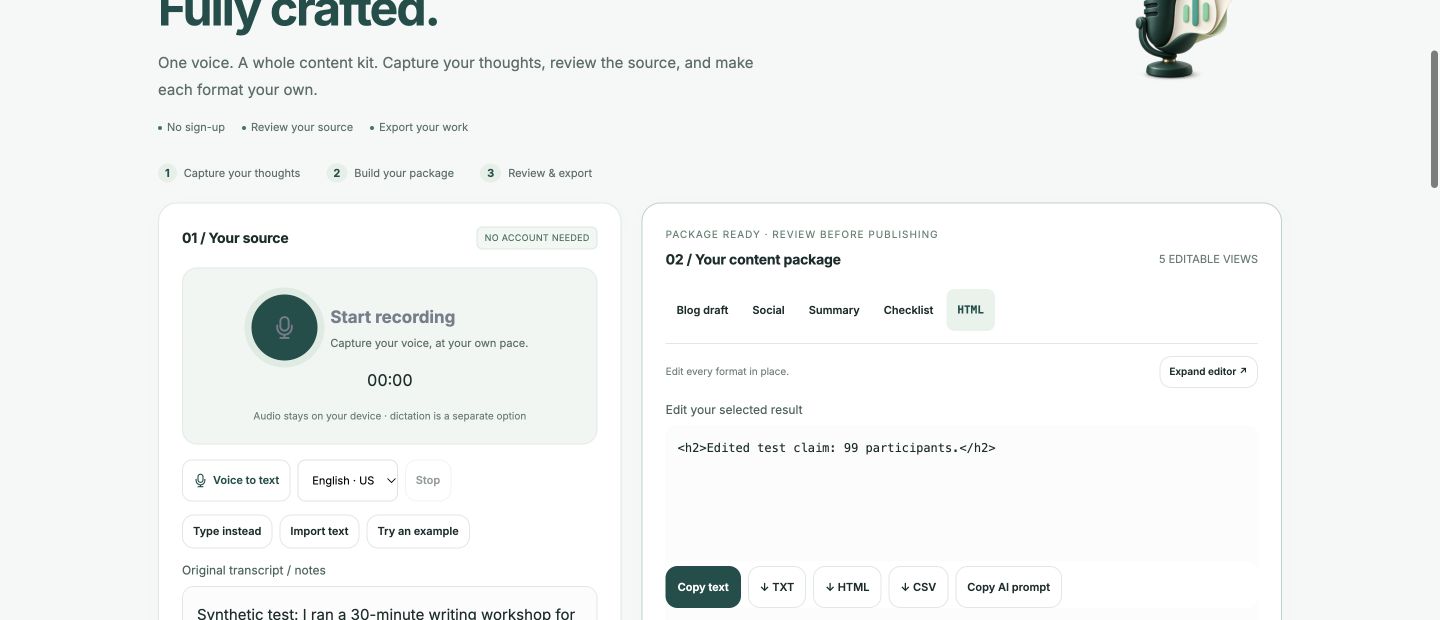
| Append “99 participants” | SourceGuard displayed “Review new numeric tokens: 99” | It can draw attention to a new number |
| Append an unsupported assertion using 12 | No new numeric tokens were reported | Existing numbers can be reused in false claims |
| Inspect HTML for literal markup in the source | The output contained <b>draft</b> | The tested markup was escaped rather than promoted to a bold tag |
| Select HTML download | The interface reported Download prepared | The download action was invoked; exported file bytes were not independently audited |
We also generated the Korean built-in example and inspected its blog and checklist outputs. We did not test live microphone capture, speech-recognition accuracy, imported audio, all browsers or all possible HTML input. The content package generator should be judged within these observed boundaries, not by an assumed voice-to-publication success rate.
5. Turn formatted material into useful editorial work
The largest improvement comes after generation. Give each format a different acceptance test. A blog draft needs a clear opening, useful evidence and transitions. A social excerpt needs enough context to avoid misleading a reader who never sees the full post. A summary needs the important qualification, not just the first sentences. A checklist needs a verb, an owner and an observable finish condition.
For example, our generated checklist included the descriptive sentence about a workshop. We would keep that in the recap and manually replace the action list with “Mina checks the two source links before Thursday’s review” and “Jun confirms the participant count against the attendance record.” These are suggested edits for the hypothetical scenario, not tasks the tool assigned or people who took part in a real test.
For a short review, run three passes: first accuracy, then usefulness, then format. On the accuracy pass, inspect every number and causal claim. On the usefulness pass, remove lines that do not help the intended reader act. On the format pass, check headings, links, paragraph breaks and accessibility in the destination editor. This keeps the content package generator in a supporting role rather than treating formatted text as finished content.
6. Recording, dictation, storage and privacy
The site distinguishes local recording from browser dictation. Its notice says text formatting and recording run on the device, while browser dictation may send audio to the browser’s speech provider. We inspected this disclosure; we did not conduct a network or source-code audit establishing that every site request is local. Blogger hosting and any enabled Google advertising have separate technical-data processing.
Browser speech recognition is not universally available. MDN’s SpeechRecognition documentation notes that some implementations use a server-based recognition service. Do not assume offline operation or local speech processing from a microphone icon. For private work, typed redacted notes may be a more suitable starting point, subject to your own requirements.
- Recording: captures audio separately from a transcript; live recording was not verified in this review.
- Dictation: depends on browser support, permission, language and the speech service; accuracy was not measured.
- Optional source storage: was unchecked in the interface. The site says enabling it retains source text and the working title in that browser until cleared. This is not a guaranteed backup of every edited output.
- Language change: opens another language page. Our English test text was absent on the Korean page with source storage off. Save your work before switching.
- External AI: Copy AI prompt prepares a prompt for use elsewhere. Sending it to another AI service is a separate choice with that service’s data terms.
7. Export with the destination in mind
Choose the output you mean to reuse, then inspect the selected view before copying or downloading. The content package generator offers TXT, HTML and CSV controls, as well as text copy and an AI-prompt copy option. We invoked HTML download and saw its preparation message. We verified the visible HTML output, but did not independently audit the resulting downloaded file or every format’s serialization.
For WordPress, place the article itself in the block editor and use the Code editor or a Custom HTML block when intentionally importing HTML. Check the preview afterward: a valid fragment does not supply a featured image, SEO description, categories, translation relationship or editorial approval. For a spreadsheet action list, review the CSV after opening it and confirm that each row is an intended action before assigning work.
Save a dated external copy before closing the tab, clearing notes, regenerating a package or switching languages. Editing Blog does not mean Social is updated, and an HTML preview is another surface to inspect. A reliable handoff contains the source, the chosen edited output and a short note about what still needs verification.
A quick recovery routine
If a result looks stale, first copy the selected edited output somewhere safe. Compare it with the current source and confirm which tab you are viewing. Do not assume that changing the source updates every previously edited format. If you decide to regenerate, preserve the edits you want to keep before selecting Create content package again. When a browser blocks an export or no saved file can be found, use the visible text-copy route and verify the saved destination yourself. For missing dictation support, return to typed notes rather than granting unrelated permissions or repeatedly retrying the microphone.
Frequently asked questions
Is VoiceCraft Studio an AI writing service?
The tested version says no AI rewriting or automatic translation server is connected. The content package generator creates editable template outputs from the source. An external AI prompt is an optional handoff, not an integrated rewrite.
Does recording automatically transcribe my voice?
No. The interface separates recording from Voice to text. We did not verify live capture or dictation and cannot promise microphone compatibility or recognition accuracy.
Will English notes become Korean when I switch the interface?
No. The interface language and speech-language choice do not translate an existing source. Prepare and review a separate language version yourself.
Does a clean SourceGuard message mean the draft is true?
No. Our unsupported assertion using the already-present number 12 produced no new-number warning. The checker cannot establish context, attribution or factual accuracy.
Can I rely on source storage as my only backup?
No. It is an optional browser feature with a stated scope of source and working title. Copy or export important edited outputs and confirm that your saved files open.
Is it affiliated with AudioPen?
The site explicitly states that VoiceCraft Studio is independent and not affiliated with AudioPen. Use its own name and URL when sharing it.
Related workflow: budget an optional AI handoff
If you later choose an external paid AI service to rewrite an exported prompt, the AI cost calculator guide can help distinguish usage assumptions, subscription allocation and human review time. This is an optional next step: VoiceCraft’s tested template mode does not require an AI API or a paid subscription. The two tools solve different parts of a creator’s workflow.
For the content package generator itself, start with one non-sensitive paragraph. Check all five views, deliberately challenge one numeric claim, and save the output you intend to use. The win is a clearer editing handoff, not an automatic guarantee of a publishable article.
Verification: 5 November 2026, South Korea. Text generation, separate tab edits, numeric-token comparison and visible HTML were tested in desktop Chrome. Microphone capture and speech recognition were not tested. This library and the original tool are part of the same creator project; this is not an independent third-party endorsement. Open the original guide for the tool’s own instructions.
A RELEVANT NEXT STEP
Tools with a useful connection
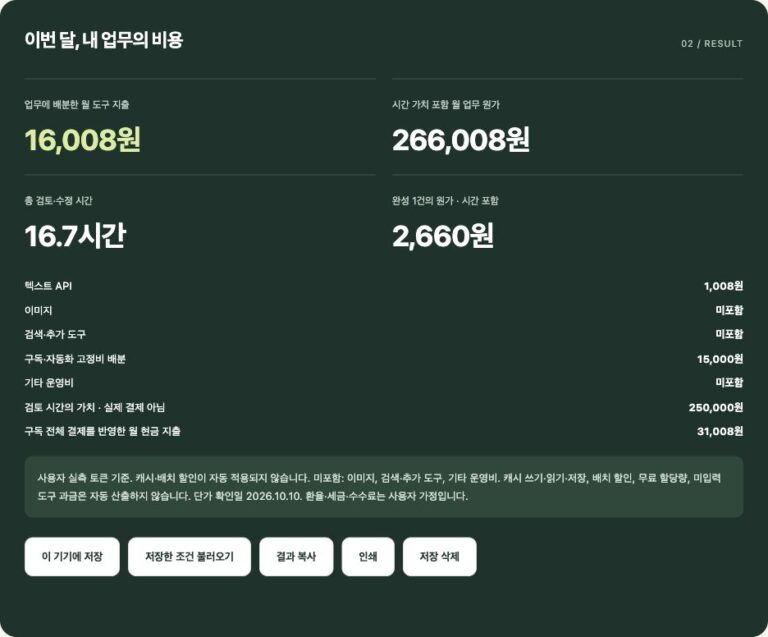
AI·SaaS 비용계산소
AI Cost Calculator: 7 Smart Checks Before You Budget
Plan AI workflow costs in Korean won with AI·SaaS 비용계산소. Compare token assumptions, allocated subscriptions, cash outlay and review-time value using documented synthetic tests.
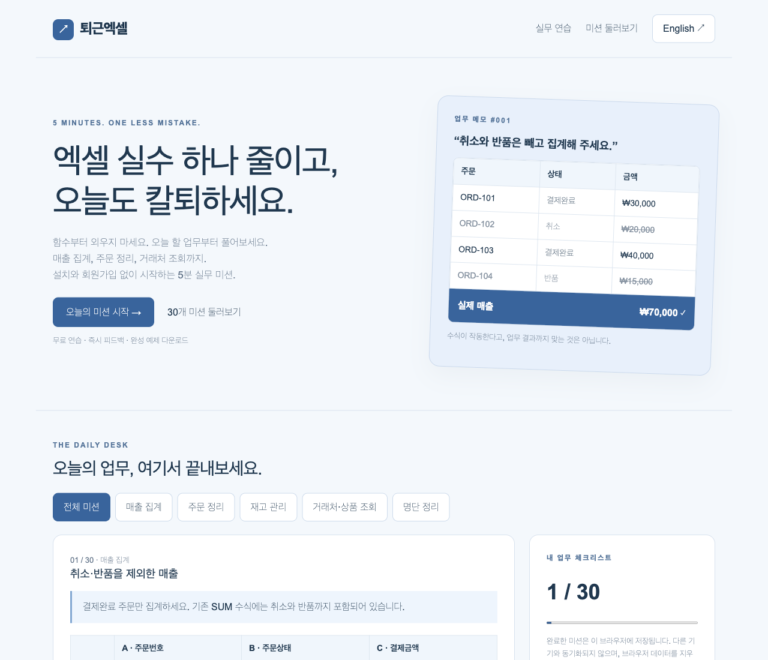
퇴근엑셀 | Afterwork Excel
Excel Formula Practice: 7 Smart Afterwork Excel Checks
Practice Excel formulas with Afterwork Excel’s short fictional work missions. See tested SUMIF, exact lookup and TRIM examples, changed-data feedback and CSV limits.
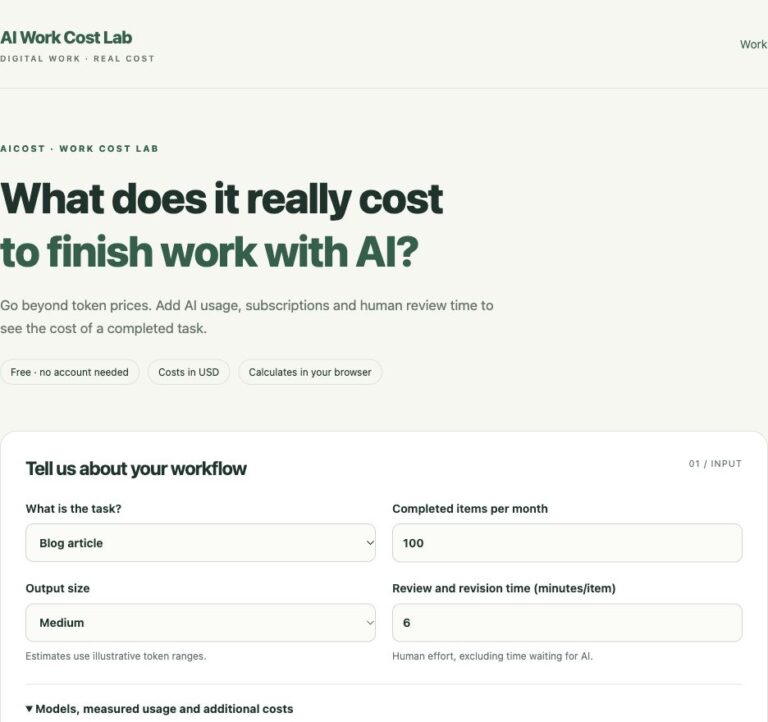
AI Work Cost Lab
AI Workflow Cost: 7 Smart Checks for Better USD Budgets
Plan AI workflow cost in USD with actual tested scenarios. Separate allocated subscriptions, cash payments, API usage and human review time in AI Work Cost Lab.